berth
Every coding agent gets its own berth: an isolated container inside a hardened VM on macOS. Claude Code and Codex work free inside — SSH, credentials, and Docker stay ashore until you opt in.
berth spawnIsolated by default
Read-only rootfs, cap-drop ALL, per-agent networks, three boundaries deep. Risky capabilities are explicit flags, never ambient.
Built for the daily loop
Peek, steer, diff, checkpoint, review, and open PRs — without ever attaching a debugger to your own laptop.
Review & ship →Three interfaces
A scriptable CLI, a k9s-style TUI, and a native macOS app with embedded terminals and notifications.
Desktop app →Fleet-scale
Parallel fleets, dependency-ordered pipelines, judge stages that pick the best of N, scheduled runs.
Fleets & pipelines →01 The loop
Spawn an agent. Public repos need no flags; add --ssh for private ones.
Watch it work — steer when needed. Agents run in tmux inside their container; you never have to babysit a window.
02 The desktop app
Berth ships a native macOS app for orchestrating agents: a live sidebar with agent states (working / needs-you / review / failed), embedded terminals attached to each container's tmux session, diff review, a spawn form, timeline and cost views, a ⌘K command palette, and native notifications.
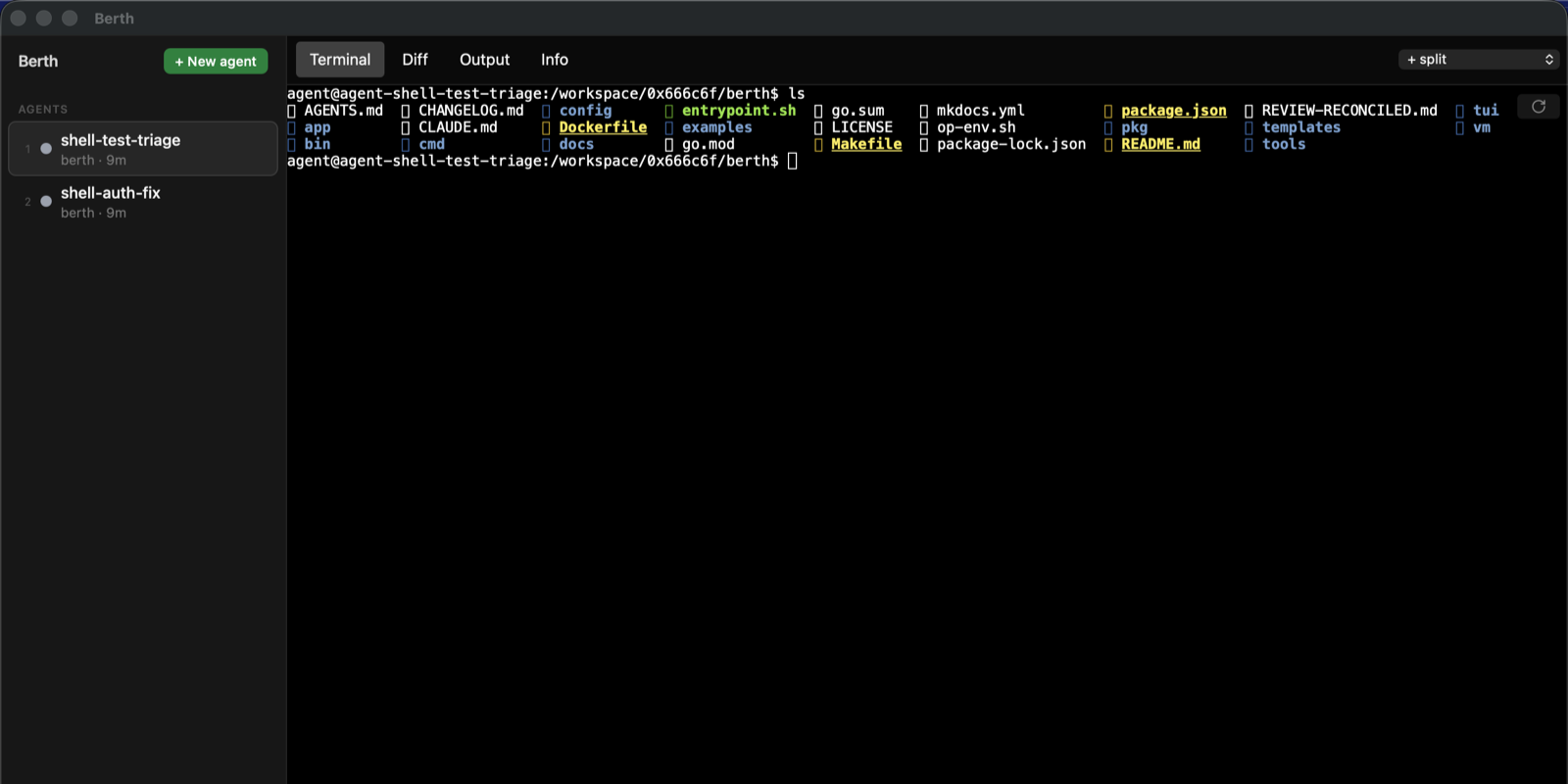
Everything the app does shells out to the same berth CLI, so the app, the TUI, and your terminal can drive the same agents interchangeably. Desktop app guide →